What are the different types of reports I can generate?
Last updated: March 16, 2026
Astra’s DAST and pentest reports are designed to provide a clear, actionable understanding of your application’s security posture. Depending on the report type, they include curated information such as identified vulnerabilities, recommended fixes, test cases, the list of tests performed, and visual summaries.
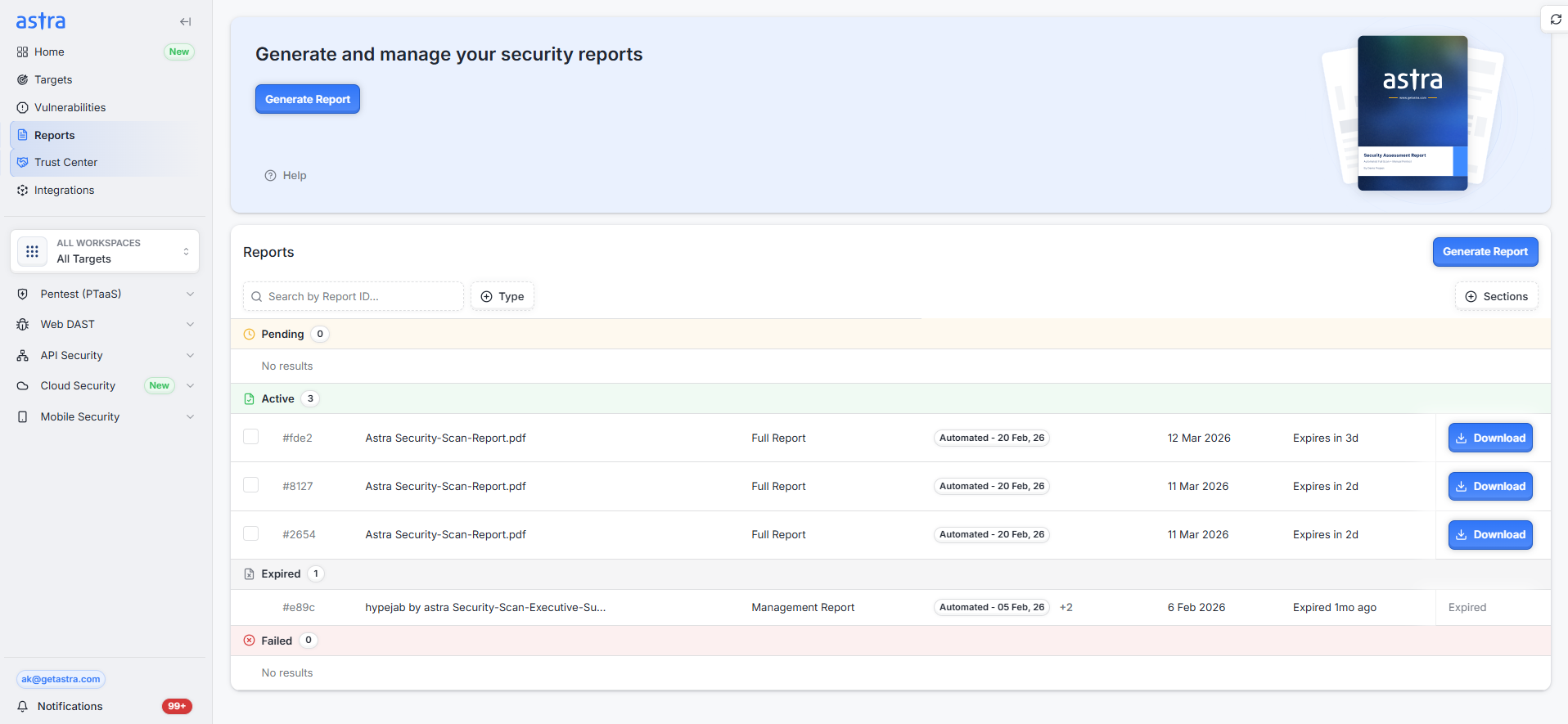
Each report is tailored to serve different audiences and use cases:
Engineering teams use detailed full reports and vulnerability summaries (in JSON or CSV) to efficiently reproduce and remediate issues.
Management teams rely on high-level management reports to assess overall risk, track remediation progress, and support internal reviews.
External stakeholders, such as customers or auditors, may be provided with full or management reports based on what they require as proof of your security efforts.
By structuring reports to align with technical and business needs, Astra helps you drive faster remediation, improve communication across teams, and demonstrate your ongoing commitment to security and compliance.
What are the different types of reports Astra provides?
We provide different types of reports:
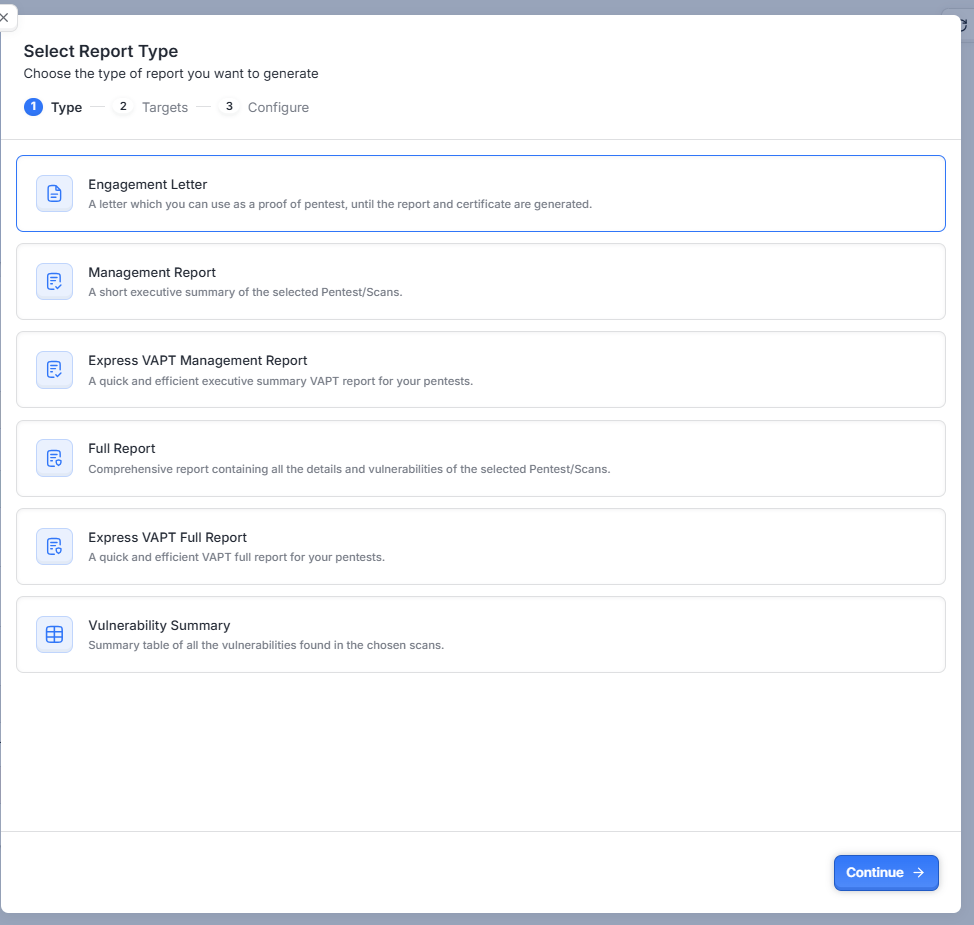
Engagement Letter: A 1-page PDF letter that serves as proof for a pentest. It includes the business name, URL, and other essential details. You need to select a target for which you want to generate the letter.
Management Report: A summary PDF report (3-4 pages) with the Executive Summary, Vulnerability Statistics, Timelines, Methodology, Scope of Testing, Assessment Duration and Dates, and an Overview Table of Vulnerabilities.
Full Report: A comprehensive report containing all the details and vulnerabilities of the chosen scans. It includes Vulnerability Statistics, Scope of Testing, Assessment Duration and Dates, an Overview Table of Vulnerabilities, a Detailed Breakdown of Vulnerabilities, Technical Details on Each Finding, Risk Assessment and Severity Levels, Risk Score, and Test Cases.
Vulnerability Summary (CSV or JSON) Report: A summary table of all the vulnerabilities found in the chosen scans. This report is in a tabular format for easy data interpretation and includes details such as Vulnerability ID, Target Name, Title, Reported At, Last Updated At, Assigned To, Status, Severity, Risk Score, Reported By, Audit Started At, and Dashboard Link. It can be exported in CSV or JSON formats.
Express VAPT Management Report
A quick and efficient executive summary VAPT report designed for stakeholders and management. It provides a high-level overview of the security assessment, including key findings, vulnerability statistics, and overall risk posture.Express VAPT Full Report
A quick and efficient detailed VAPT report containing the complete technical findings from the assessment. It includes vulnerability details, severity levels, risk scores, and technical information required for remediation.
Generating the report
From reports page
Go to the Reports Page: Navigate to the Astra dashboard and click on the Reports section in the left sidebar.
Select Report Type: Choose from Engagement Letter, Management Report, Full Report, or Vulnerability Summary (CSV or JSON) Report.
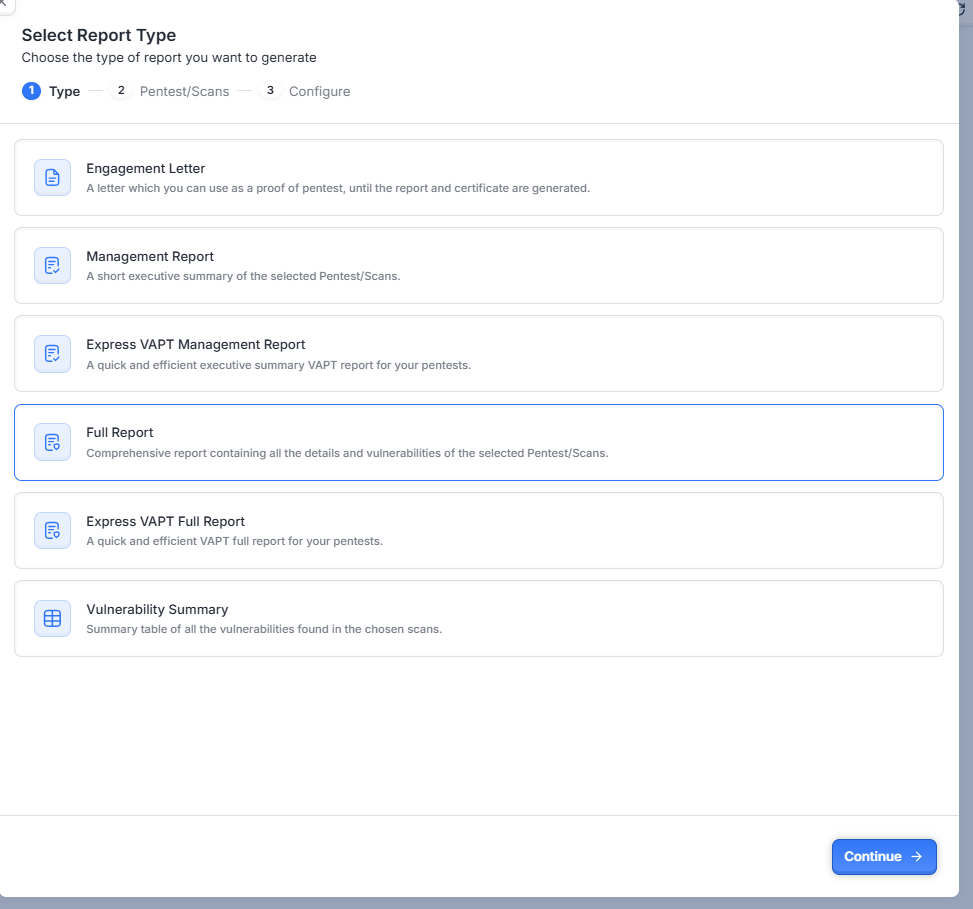
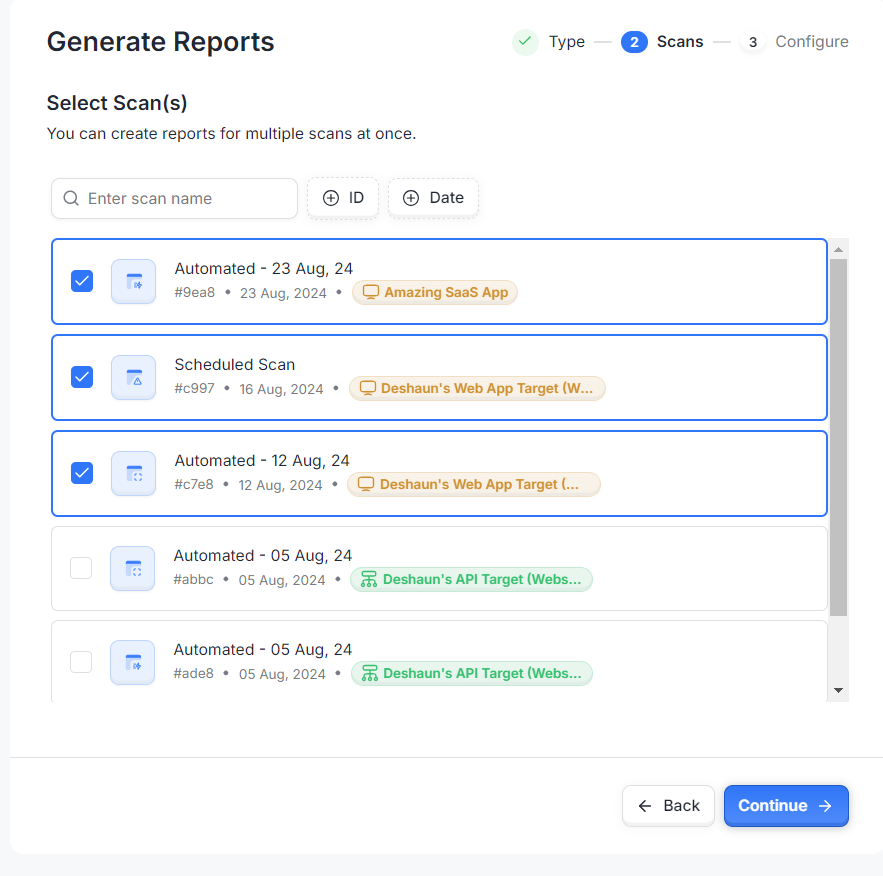
Select Target/Scan: Depending on the report type selected, you need to select the relevant target(s) or scan(s).
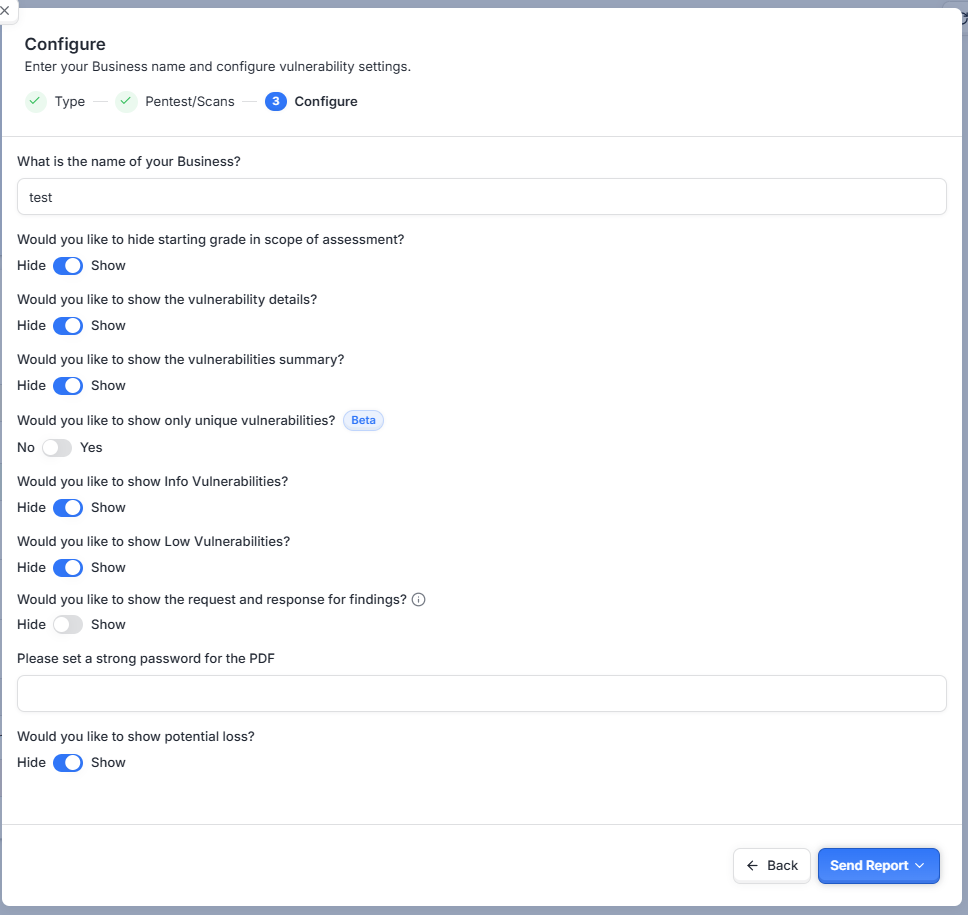
Configure the Report: Provide necessary details such as business name, address, and other configurations as required. For some reports, you can choose to hide specific sections.
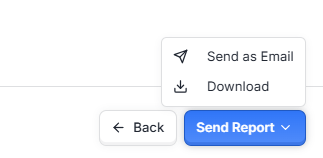
Download or Email the Report
From scan details page
In addition to generating reports from the main Reports Page, you can also create reports directly from the scan details page:
Head over to the scan details page for the specific scan you want to report on.
From there, click on the Reports option to generate your desired report.

This method allows you to quickly generate reports specific to individual scans without returning to the main Reports Page.
Frequently Asked Questions (FAQs)
Q1: Can I generate multiple reports at once?
Yes, you can select multiple targets or scans when generating reports.
Q2: Can I customize the contents of the reports?
Yes, certain reports allow customization, such as hiding specific sections.