How to manage your profile information?
Last updated: April 18, 2025
To edit your profile information in the Astra dashboard, follow these steps:
1. Log in to the Astra Dashboard:
Access the Astra dashboard using your login credentials.
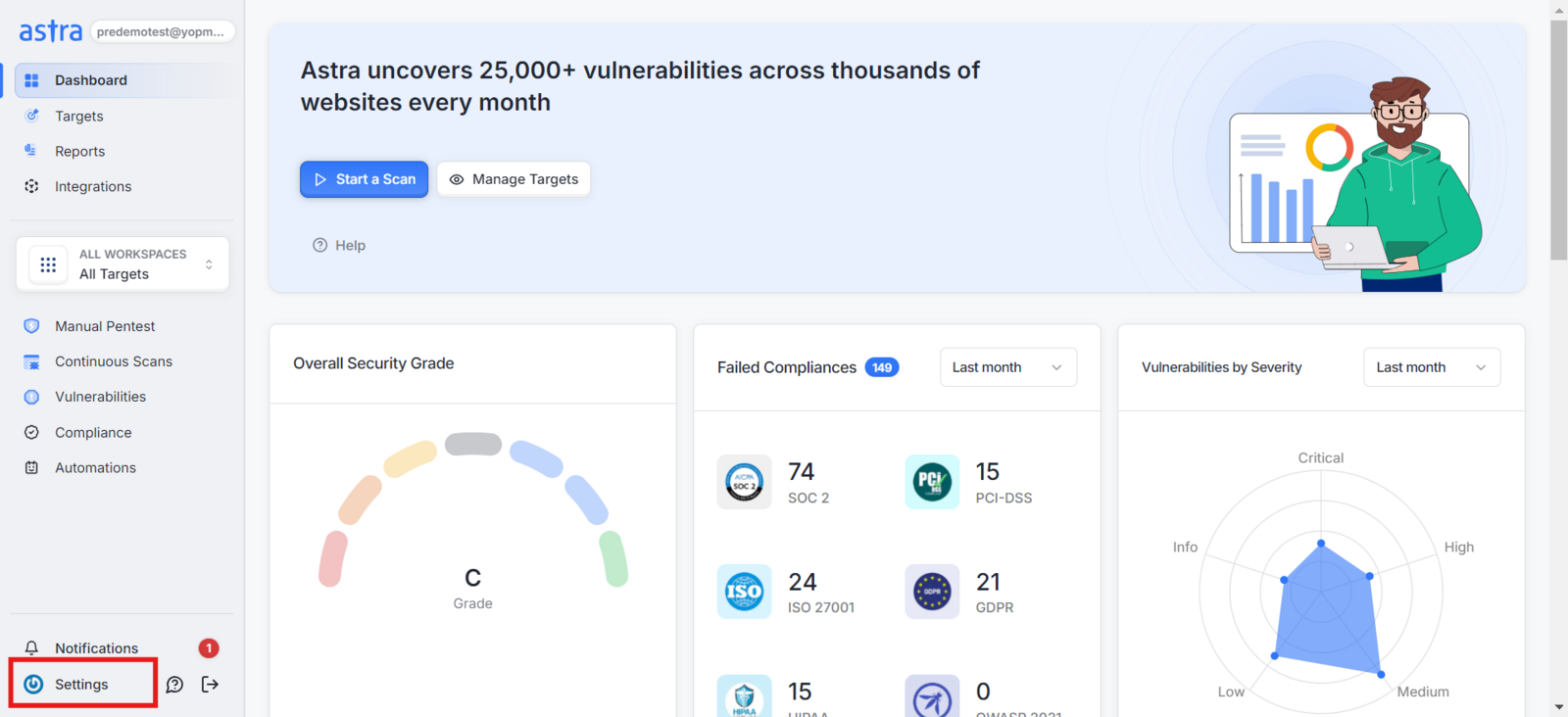
2. Go to the "Settings" Section:
On the left-side navigation bar, click the Settings icon
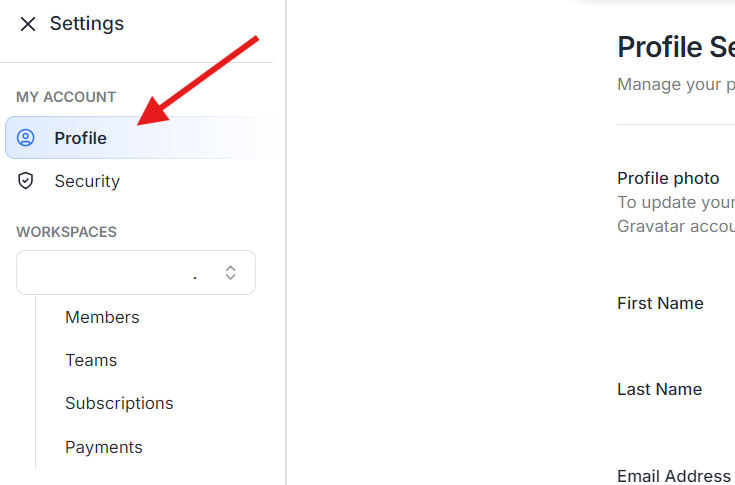
3. Access the "Profile" Settings:
Under My Account, click on Profile
4. Edit Your Profile Information:
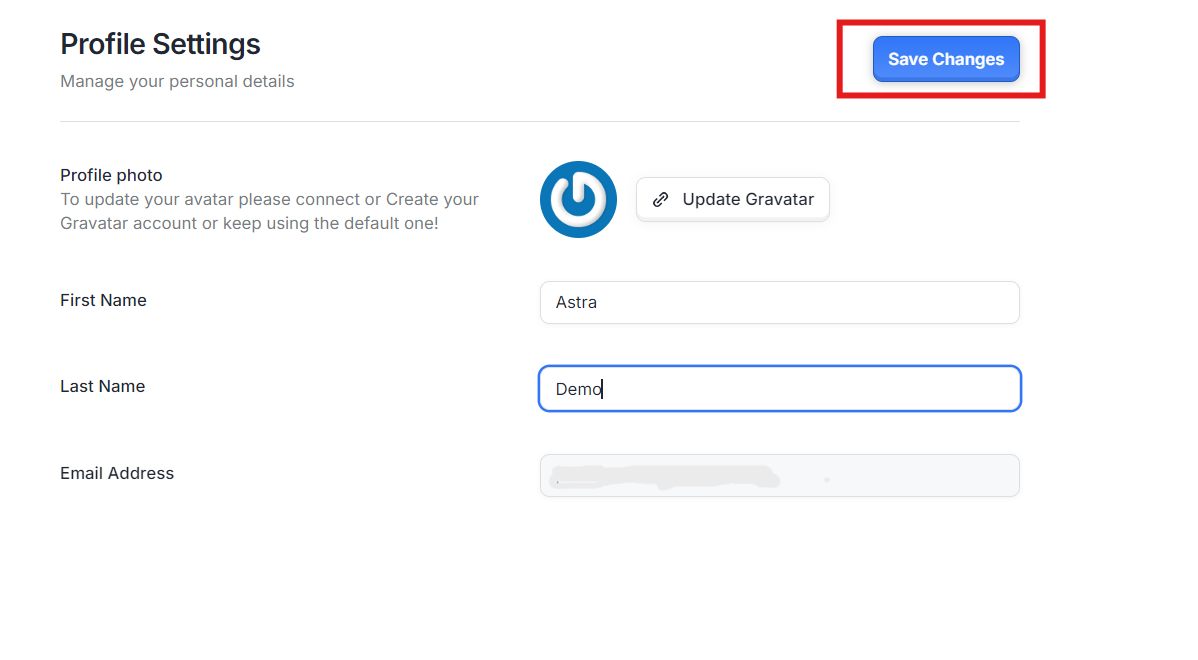
In the Profile Settings section, update your information, such as First Name, Last Name, or other editable fields, by typing in the new values.
5. Save Changes:
Once the details are updated, click on the Save Changes button to apply your new profile information.